Follow one Weidian listing from seller checkout to warehouse receipt. Learn when to confirm a variant, review a price change, and send a parcel.
Read a practical tip
Keep an accurate copy of the listing
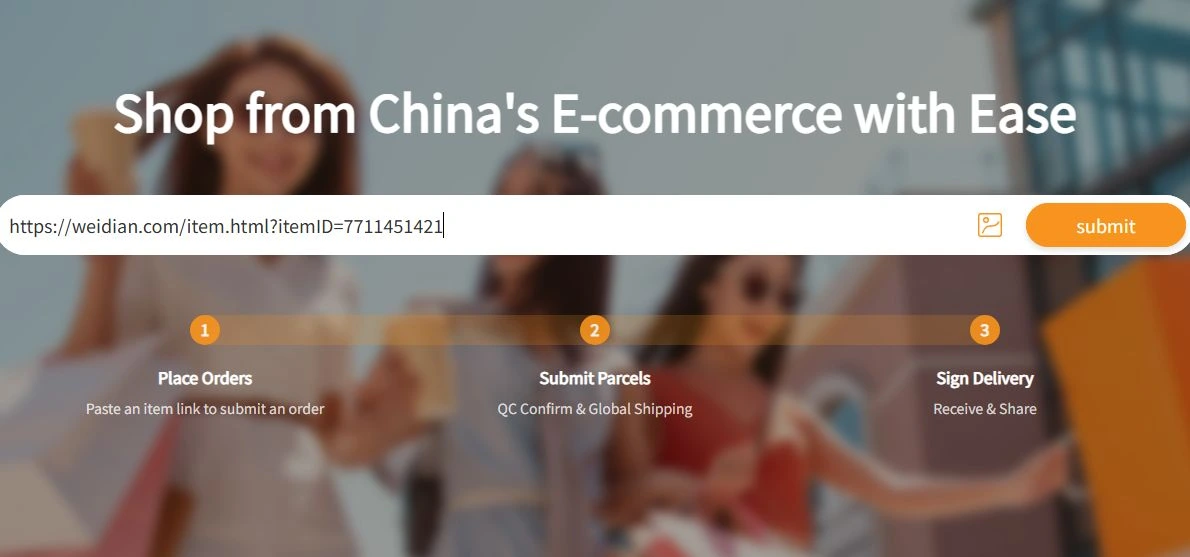
Save the seller link and exact variant before opening OrientDig. Keep the seller’s measurement chart or product options for reference. If automatic import fails, OrientDig’s DIY Order entry is available after sign-in. Check the item quote and domestic delivery separately.
Read the full articleLearn which measurements to enter, how to compare volumetric weight, and when rehearsal packing can help before you pay for an international parcel.
Read a practical tip
Start with the box you will actually send
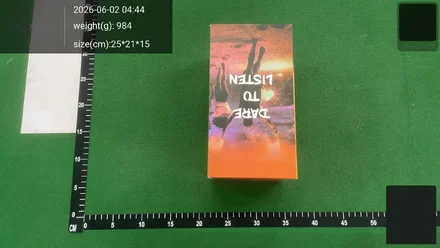
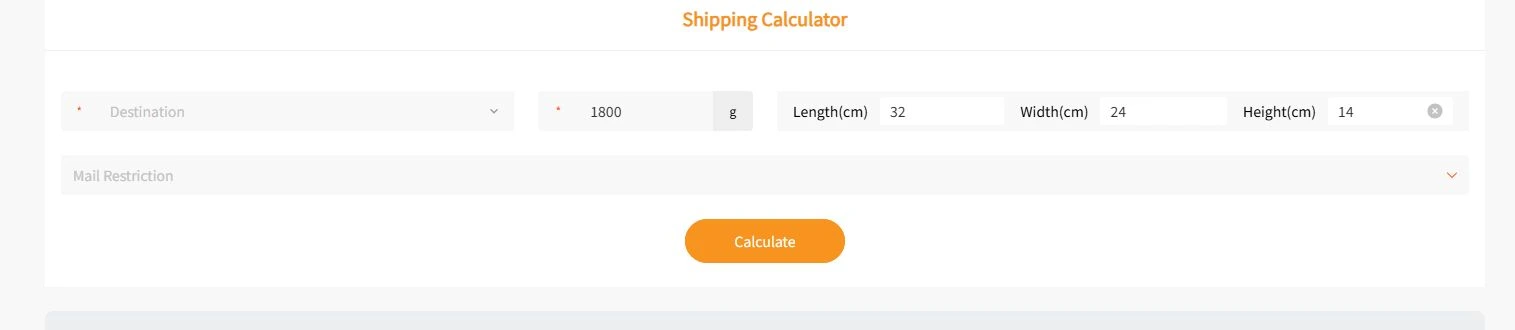
Use the destination, total packed weight and outside box dimensions. A parcel can be heavier than the summed product weights after packaging. A bulky item can also increase the route’s billable weight even if it adds little weight on a scale.
Read the full articleCheck the warehouse dates that matter, document a QC issue clearly, and review seller eligibility before sending the item internationally.
Read a practical tip
Keep track of separate warehouse dates
OrientDig publishes a standard storage period of 90 days from stored status. The published standard request window for an eligible warehouse return or exchange is five days from storage. Check the dates shown on each order rather than treating the storage period as a return window.
Read the full articleUse a real OrientDig Findsheet example to check whether warehouse photos show the listing, variant, and details you care about.
Read a practical tip
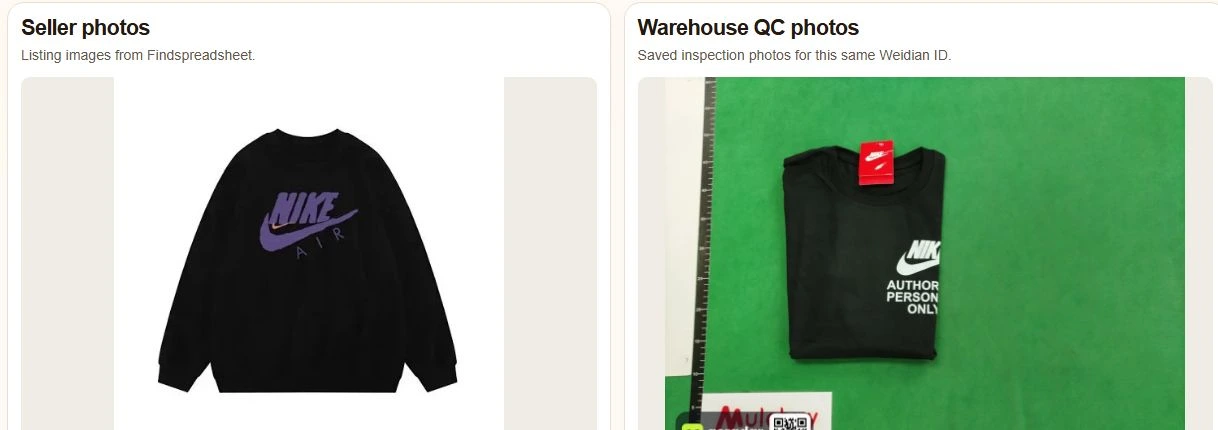
Match the exact listing
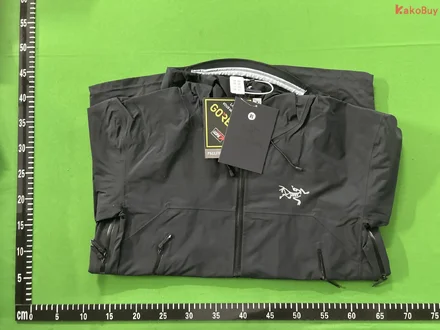
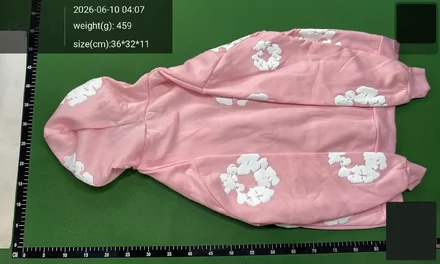
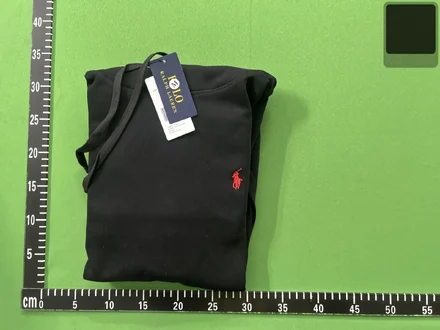
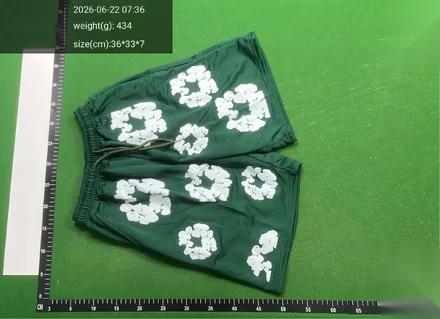
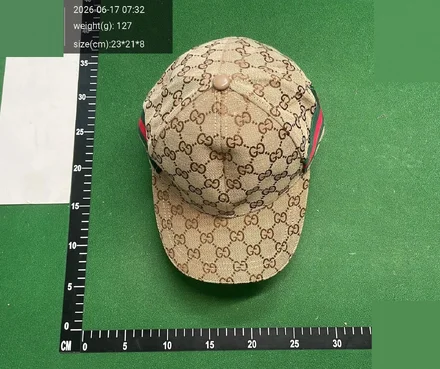
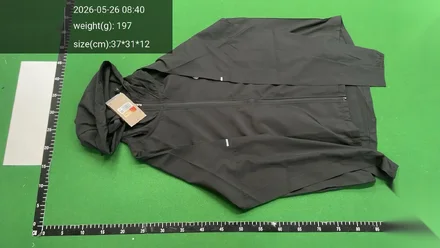
Copy the Weidian item ID from the source URL and compare it with the ID in the QC finder. Search results with similar names can point to different sellers. Open the example sweatshirt and compare the listing photo with photos saved for that same ID.
Read the full articleCompare what to check at checkout, how to review warehouse photos, and how to request comparable shipping quotes.
Read a practical tip
Check the same seller URL
Start with one Weidian URL and the same variant. Findsheet opens the exact Weidian listing in OrientDig. If you are also considering AllChinaBuy, paste that source URL into its search and compare the displayed variant, item price, and domestic delivery before you choose.
Read the full articleCompare manual ordering and parcel quotes using the same product link, variant, and delivery address.
Read a practical tip
When a product does not load
OrientDig offers a DIY Order form. Hoobuy’s manual form asks for the source link, product name, specifications, unit price, and quantity. Keep the exact seller URL and variant details at hand for either order form.
Read the full article